Top 10 ERP Software for Construction Companies, by Contractor Size
The best ERP for a construction company depends heavily on contractor size. A $10 million builder does not need the same system as a $500 million general contractor managing multiple entities, complex job costing, and large project portfolios.
Construction firms are also taking a closer look at the software running their operations. In the 2025 AGC and Sage survey of more than 1,100 contractors, 20% planned to switch project management or operations software, while 15% expected to change accounting software.
Choosing a system with too little capacity can create problems as your projects and reporting requirements grow. On the other hand, a platform built for a much larger contractor can make you pay for complexity your team doesn't need.
This guide compares 10 ERP software options for construction companies by contractor size, so you can find the right fit for your projects, financial workflows, operational complexity, and growth plans.
TL;DR
- Premier Construction Software: Best for growing general contractors, developers, and homebuilders that want construction accounting, job costing, project management, field operations, and financial reporting in one cloud platform.
- StrategicERP: Strong for civil, EPC, and infrastructure contractors that need project controls, subcontractor management, procurement, site inventory, equipment tracking, and ERP packages built around company size.
- CMiC: Construction-native ERP that unifies financials, job costing, project management, and field operations on one database, built to scale with mid-market and enterprise contractors through significant growth.
- OpenConstructionERP: Best for small to mid-market contractors that want an open-source, self-hosted ERP covering estimating, BIM/CAD takeoff, scheduling, procurement, contracts, field operations, and project financials.
- BrickControl: A good fit for contractors that need strong estimating, budgeting, scheduling, procurement, subcontractor coordination, and cost control without adopting a heavyweight enterprise ERP.
- Acumatica: Best for growing small and mid-market contractors that need job costing, project accounting, change orders, payroll, field reporting, retainage, multi-entity accounting, and unlimited-user licensing.
- ZYNO Construction by Elite Mindz: Best for small to mid-market builders and infrastructure contractors looking for AI-assisted BOQs, site progress tracking, subcontractor billing, workforce management, and project-level cost controls.
- NetSuite: Strong for mid-market and enterprise construction groups that need sophisticated project accounting, WIP accounting, progress billing, procurement, inventory management, and consolidated multi-entity financials.
- Infor: Best for upper mid-market and enterprise engineering and construction firms that need project lifecycle management, job costing, procurement, supply chain capabilities, multi-entity financials, and advanced analytics.
- Experion Technologies: Best for mid-market and enterprise contractors that need custom ERP construction software built around complex field workflows, integrations, procurement, equipment, payroll, and project accounting.
Top 10 Construction ERP Software by Contractor Size
The right ERP depends on how your construction business operates today and how much complexity the system needs to handle. A growing contractor moving beyond QuickBooks has very different requirements from a national general contractor managing multiple entities, hundreds of projects, and complex financial reporting.
The 10 platforms below are compared by construction focus, ideal use case, and contractor size so you can quickly see which options deserve a closer look.
1. Premier Construction Software
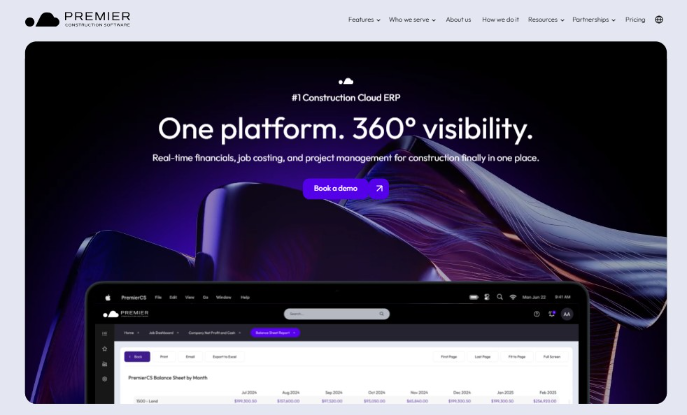
- Construction focus: Construction accounting, job costing, project management, field operations, subcontractor management, financial reporting, and AI automation.
- Best for: General contractors, developers, homebuilders, and design-build firms.
- Contractor size: Contractors with $5M to $500M+ in annual revenue.
Premier is a strong option for companies moving beyond QuickBooks, spreadsheets, or separate point solutions. Its main advantage is giving finance, project, and field teams access to the same underlying data, which can reduce handoffs between systems as the business grows.
Project managers can also track budgets, commitments, actual costs, change orders, and forecasts in real time instead of waiting for month-end reporting. For general contractor Broccolini, Premier reports a 28% reduction in reporting time after moving financial and project reporting into one system.
2. StrategicERP
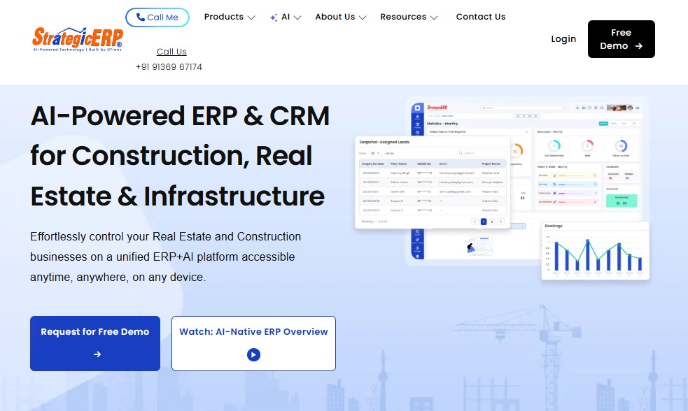
- Construction focus: Infrastructure and construction ERP with project controls, RA billing, subcontractor management, procurement, site inventory, plant/equipment, and AI automation.
- Best for: Civil contractors, EPC firms, infrastructure developers, building contractors, and multi-site construction businesses.
- Contractor size: Small to enterprise contractors, with separate Basic, Medium, and Large infrastructure ERP editions.
StrategicERP stands out because it divides its infrastructure offering into separate editions based on business scale. This gives growing contractors a clearer path to choose the level of operational and financial functionality they need instead of starting with the same configuration as a much larger organization.
The company reports 1,100+ construction, infrastructure, EPC, and real estate customers, including Phoenix Group, DS-MAX Properties, Rajpath Infra, and Hombale Group. Its dedicated Large edition is explicitly designed for large-scale construction and infrastructure businesses.
3. CMiC
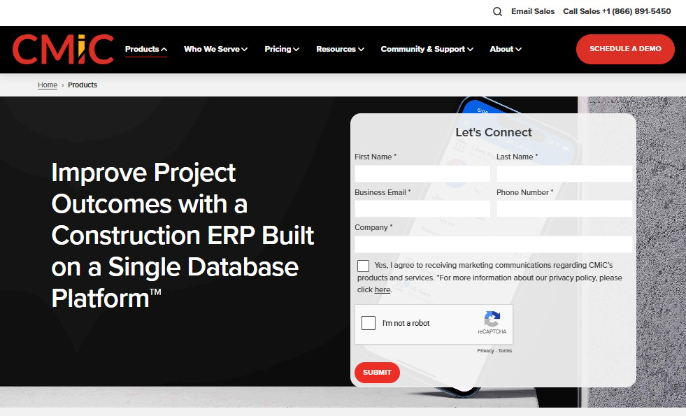
- Construction focus: Construction financials, job costing, project management, payroll, subcontractor management, field operations, equipment, workflow, and analytics.
- Best for: General contractors, specialty contractors, and heavy/highway firms that want financial and project data on the same platform.
- Contractor size: Mid-market to enterprise, with enough scalability for contractors growing from tens of millions into several hundred million dollars in revenue.
CMiC’s key differentiator is its Single Database Platform™, built specifically for construction rather than assembled from separate accounting and project-management products. Financials, job costs, project controls, resources, documents, and field activity all work from the same underlying data, which makes it relevant for larger contractors trying to eliminate reconciliation between back-office and project systems.
While running on CMiC, GCON grew from $58 million to $700 million in revenue over 10 years and expanded from 52 to 300 employees. This makes CMiC particularly compelling for contractors that expect their ERP to remain in place through substantial growth.
4. OpenConstructionERP
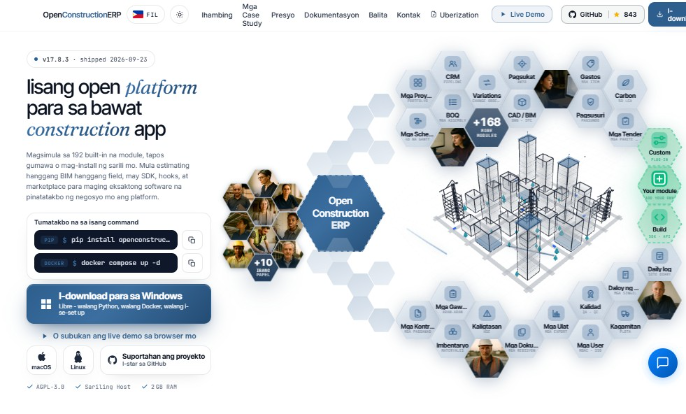
- Construction focus: Estimating, BOQ, BIM/CAD takeoff, scheduling, procurement, contracts, field operations, equipment, quality, safety, and project financials.
- Best for: General contractors, specialty contractors, cost consultants, and construction teams that want an open-source, self-hosted system.
- Contractor size: Small to mid-market contractors; also viable for larger organizations with internal IT resources and private-deployment requirements.
OpenConstructionERP stands apart from conventional construction SaaS because the core platform is open source under AGPL 3.0 and can run on infrastructure you control. Your team can modify the source code, build additional modules, and decide when to deploy updates. Companies that need more support can also use managed hosting, private deployments, SSO, RBAC, enterprise SLAs, and custom integrations.
The platform currently includes 190+ built-in modules and 120,000+ construction cost items spanning the workflow from drawings and estimating through site delivery and handover. Its commercial license is €2,500 one-time with unlimited internal users, with implementation starting at €3,000.
5. BrickControl
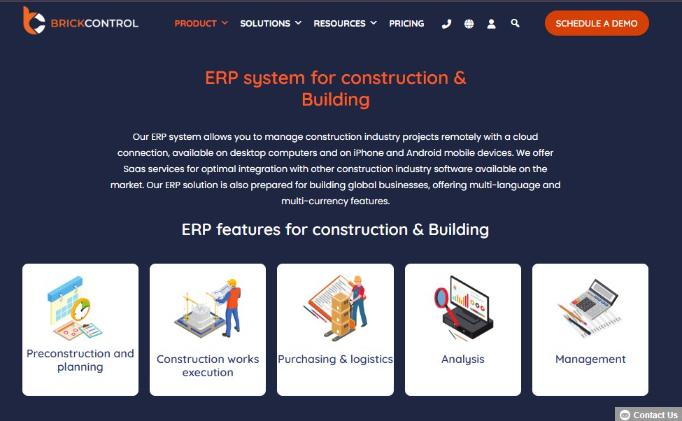
- Construction focus: Estimating, budgeting, project controls, scheduling, procurement, subcontractors, cost tracking, and multi-company financial management.
- Best for: General contractors, civil contractors, remodelers, engineering firms, and construction companies managing multiple projects.
- Contractor size: Small to enterprise contractors; paid plans support up to 5, 10, or 15 users depending on the tier, while Enterprise supports unlimited users.
BrickControl is a strong fit for contractors that want construction-specific project and cost controls without the challenges of a heavyweight enterprise ERP.
Its cloud platform covers the full project cycle and supports multi-company, multi-currency, and multi-language operations, while also integrating with accounting and ERP systems such as QuickBooks, Sage, NetSuite, SAP, and Dynamics.
Its customer base spans SMEs through large international contractors. ACCIONA uses BrickControl to manage energy-services projects across more than 40 countries, which gives managers real-time visibility into project progress, costs, payments, and profitability across locations.
6. Acumatica
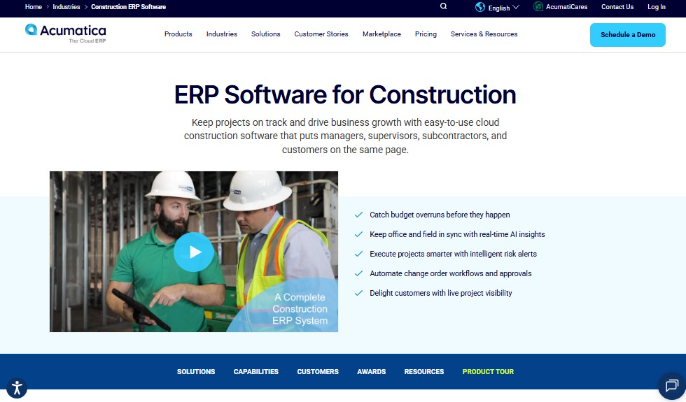
- Construction focus: Job costing, project accounting, change orders, payroll, field reporting, compliance, retainage, multi-entity accounting, and service management.
- Best for: General contractors, specialty trades, MEP contractors, developers, and multi-entity construction businesses.
- Contractor size: Small to upper mid-market; published customers range from 25-50 employees to 500-1,000 employees.
Acumatica is particularly attractive for growing contractors because it combines construction-specific ERP with unlimited-user licensing rather than charging per seat. This makes it easier to give project managers, accounting teams, supervisors, and field staff system access as the business scales. Its Construction Edition also supports multi-entity accounting and integrations with tools such as Procore.
For specialty contractor Alpha Insulation & Waterproofing, Acumatica reduced WIP calculation time by 98.6% while supporting a business with multiple locations and hundreds of employees.
7. ZYNO Construction by Elite Mindz
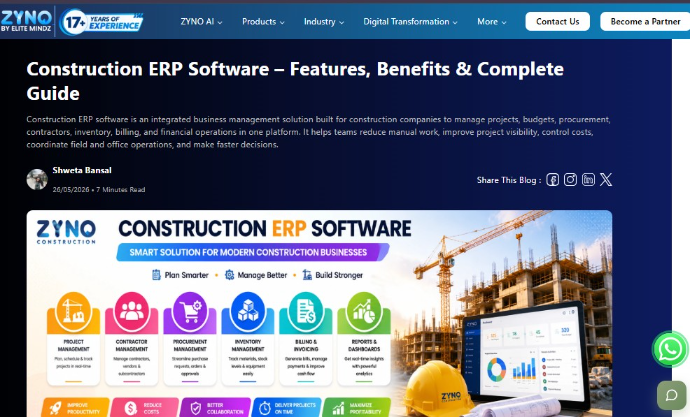
- Construction focus: AI-assisted BOQs, project controls, subcontractor billing, procurement, site progress, workforce/equipment tracking, and financial management.
- Best for: General contractors, infrastructure contractors, builders, and developers that want construction workflows and AI automation in one system.
- Contractor size: Small to mid-market contractors, with support for multi-project infrastructure operations.
ZYNO Construction is differentiated by its AI-first approach and strong fit for contractors moving away from spreadsheets and disconnected site tools. It combines AI-assisted BOQ generation with mobile progress reporting, contractor RA billing, biometric workforce tracking, and project-level cost controls. Regional versions also support requirements such as UAE VAT and Saudi ZATCA e-invoicing.
Elite Mindz describes one infrastructure contractor using ZYNO Construction to manage 12 simultaneous road projects from a single dashboard. The example is anonymized, so it provides evidence of multi-project use rather than a named customer reference. Across its wider software portfolio, Elite Mindz reports 17+ years of experience and 4,200+ projects delivered.
8. NetSuite
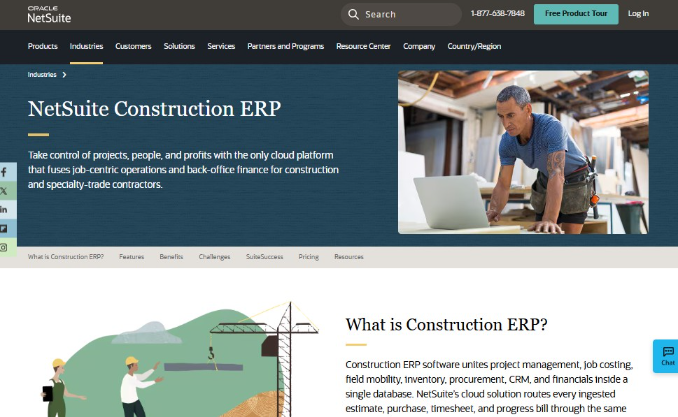
- Construction focus: Project accounting, job costing, WIP, retainage, progress billing, procurement, field service, inventory, and multi-entity financials.
- Best for: General contractors, specialty contractors, civil contractors, and construction groups with multiple entities or business lines.
- Contractor size: Mid-market to enterprise contractors; particularly strong for growing firms that need consolidated financials across subsidiaries, regions, or entities.
NetSuite is a strong fit when your company's complexity extends beyond individual projects into multiple subsidiaries, legal entities, or business lines. NetSuite OneWorld can handle intercompany transactions, multiple currencies, and consolidated reporting within the same environment, which can be valuable as a construction group expands into new regions or adds companies through acquisition.
MAG Builders, for example, moved from dozens of separate QuickBooks instances to one NetSuite environment for financial visibility and project budget-versus-actual reporting.
9. Infor
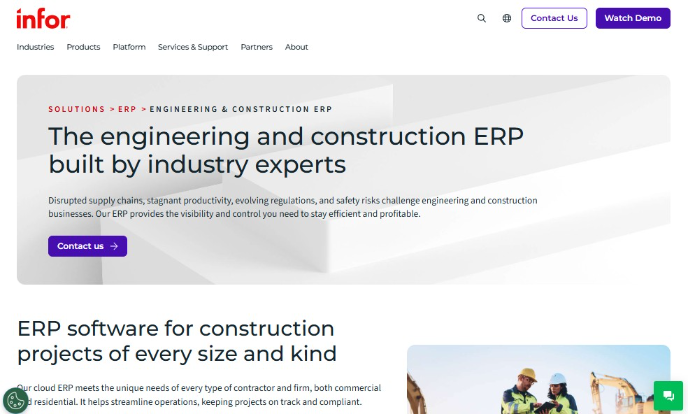
- Construction focus: Project lifecycle management, job costing, multi-entity financials, procurement, supply chain, health and safety, ETO/MTO, and AI-driven analytics.
- Best for: Engineering and construction firms, infrastructure contractors, specialty contractors, and project-driven businesses with complex operations.
- Contractor size: Upper mid-market to enterprise contractors, especially multi-entity or international organizations.
Infor makes the most sense when construction operations extend beyond project accounting into complex supply chains, engineered-to-order work, multiple legal entities, or international operations. Its broader enterprise capabilities give large contractors a way to manage these requirements within the same ERP environment rather than connecting several separate systems.
ULMA Construction uses Infor CloudSuite for Engineering and Construction to standardize ERP processes across subsidiaries in more than 50 countries. The company is building a unified cloud environment for its international construction and rental operations, with consistent processes and data across locations.
10. Experion Technologies
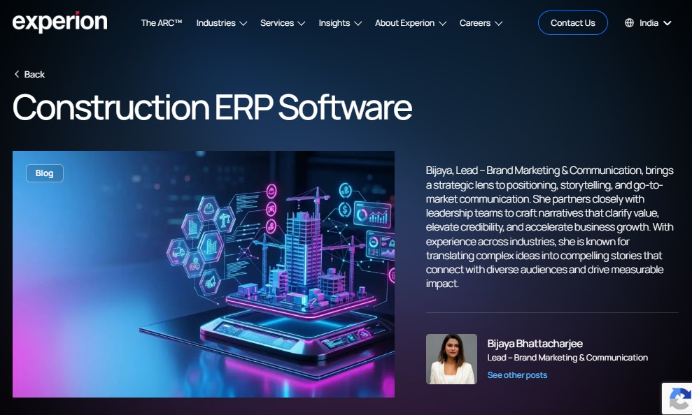
- Construction focus: Custom construction ERP development, project accounting, job costing, procurement, subcontractor management, equipment, payroll, document management, and integrations.
- Best for: Contractors whose workflows or integration requirements cannot be covered cleanly by a standard ERP package.
- Contractor size: Mid-market to enterprise contractors with complex processes, legacy systems, or substantial integration requirements.
Experion is different from most vendors on this list because it builds custom construction ERP software rather than selling a packaged ERP product. It develops construction ERP systems around the contractor's existing processes, applications, and integration requirements, which can make sense when standard products would require extensive workarounds or customization.
This approach gives you more control over how field, financial, procurement, equipment, and project systems connect. It also means ERP selection should account for development scope, integration complexity, implementation resources, and long-term system ownership rather than comparing standard subscription tiers alone.
Experion has operated since 2006 and has grown from a software engineering company into a much larger global product engineering organization.
Why Contractor Size Matters When Choosing Construction ERP
Contractor size affects more than your ERP budget. It changes how many projects, users, entities, locations, and workflows the system needs to support, along with the resources your team has to implement and manage it.
Four areas matter most when matching an ERP to the size of your business:
- Operational complexity increases with size: A smaller contractor may need reliable job costing, billing, project accounting, and scheduling. Larger firms may also need multi-entity consolidation, advanced permissions, equipment management, workforce controls, and reporting across multiple business units.
- Implementation resources vary: Smaller companies may have limited internal IT support, which makes setup time, usability, and vendor support more important. Larger contractors can usually support more complex migrations, integrations, testing, and configuration.
- Licensing and total cost change as you grow: Look beyond the base subscription. User limits, implementation fees, integrations, customizations, training, and additional entities can materially change the cost as your business expands.
- Your ERP should fit the next stage of the business: A system that already feels restrictive may force another migration as you grow. Paying for enterprise-level complexity your team will rarely use can also add unnecessary cost and administrative work.
Company size should therefore be one part of the decision, rather than the only filter. Use broader ERP selection criteria to compare your finalists on requirements such as functionality, integration fit, implementation demands, scalability, and total cost.
How ERP Needs Change by Contractor Revenue
AGC reports its 2026 construction outlook across three contractor revenue bands: $50 million or less, $50.1 million to $500 million, and more than $500 million. These tiers offer a practical way to narrow your ERP shortlist, although revenue should be considered alongside project volume, company structure, and implementation resources.
$50 Million or Less: Prioritize the Essentials
Smaller contractors usually get the most value from software that fixes the fundamentals without creating a major IT project.
Priorities typically include:
- Job costing and project accounting
- Progress billing and change orders
- Basic inventory management and purchase management
- Subcontractor coordination and subcontractor payment
- Project planning, task scheduling, and jobsite tracking
- Straightforward financial management and reporting
Platforms such as Acumatica Construction Edition can make sense here when a contractor needs room to grow without jumping immediately into a heavyweight enterprise system.
The implementation runway should also stay relatively short. If deploying the ERP requires a large internal IT team or months of highly customized process redesign, the system may already be oversized.
$50.1 Million to $500 Million: Connect the Business
Mid-market contractors already have capable tools, but too many of them operate separately.
At this stage, the best ERP software for a construction company should start connecting:
- Construction job costing with WIP accounting
- Project management with field management
- Change order management with financial reporting
- Subcontractor management with vendor management
- Material management with procurement and inventory
- Workforce management, HR management, and time management
- Field service and project operations across multiple locations
This is where platforms such as NetSuite, Acumatica, and Microsoft Dynamics 365 Business Central can enter the conversation, depending on construction depth and integration requirements.
Implementation also becomes more consequential. Data migration, system integrations, process ownership, and user adoption can derail an otherwise strong platform choice, so contractors should account for the most common ERP implementation challenges before setting a go-live date.
More Than $500 Million: Manage Enterprise Complexity
Large contractors are less likely to struggle with basic accounting functionality and more likely to struggle with scale.
ERP requirements can include:
- Sophisticated project accounting across many entities
- Portfolio-level project lifecycle management
- Complex cost control and forecasting
- Consolidated financial reporting
- Multi-region workforce and payroll requirements
- Advanced vendor and subcontractor management
- Supply chain, equipment, and material visibility
- Integration with CAD software and specialized field systems
- Detailed job site views across large project portfolios
Platforms such as SAP S/4HANA, Infor, and other enterprise systems become more realistic at this level because the organization has enough complexity to justify their deeper capabilities.
Materials-heavy contractors should also evaluate whether their construction process requires broader supply chain management ERP functionality, particularly when procurement, equipment, and inventory represent a major share of project cost.
Remember: revenue is a useful screening tool, but it should not make the final decision for you. Choose an ERP that fits the complexity you manage today and can support the next realistic stage of growth without forcing you to pay for capabilities your team is unlikely to use.
Choose the Right Construction ERP with Alpha Apex Group
Choosing a construction ERP gets easier when you start with your actual project volume, workflows, systems, and growth plans rather than a vendor feature list.
Alpha Apex Group helps contractors:
- Define your ERP requirements: Turn financial, project, field, reporting, and integration needs into clear evaluation criteria.
- Compare vendors consistently: Assess shortlisted platforms against the same requirements, costs, technical needs, and implementation considerations.
- Plan the implementation: Map integrations, data requirements, risks, ownership, and rollout priorities before the project begins.
We take a vendor-neutral approach to ERP selection. If you need support beyond vendor comparison, our ERP Strategy & Implementation Consulting service can help with requirements planning, system selection, implementation strategy, integrations, and rollout.
Talk to Alpha Apex Group about your construction ERP requirements and build a shortlist around the way your business actually operates.
FAQs
What is the difference between construction ERP and general ERP?
Construction ERP is built around workflows such as job costing, WIP accounting, progress billing, change orders, subcontractor management, and project accounting. General ERP systems may cover finance, inventory, HR, and procurement well, but construction functions can require add-ons, integrations, or customization.
How much does construction ERP cost?
Cost depends on users, modules, integrations, data migration, customization, and implementation scope. Smaller contractors may need a focused cloud setup, while larger contractors can require multi-entity accounting, advanced reporting, deeper integrations, and more implementation support.
How long does construction ERP implementation take?
A focused implementation may take a few months, while complex multi-entity deployments can take considerably longer. Data quality, integrations, configuration, testing, user training, and internal decision-making usually have a major influence on the timeline.
How does Alpha Apex Group help a contractor figure out the right ERP tier?
We start with project count, entity structure, job costing requirements, subcontractor coordination, inventory management, field service, reporting, and integration needs. From there, we can narrow down the best ERP for construction to systems the organization can realistically implement and use.
Can Alpha Apex Group help replace an existing ERP?
Yes. We can assess where the current system is creating problems, define future requirements, compare replacement options, and plan the migration. Common triggers include reporting limitations, disconnected systems, poor integration, growing entity complexity, or difficulty supporting higher project volumes.
.webp)
.jpg)
.jpg)